Firm Tools
The back office of the firm, in one place.
Vendors, leave, signatures, playbooks, clauses, templates and payables sit together, next to the cases they support. The firm’s shared knowledge stops living in folders and inboxes.
Capabilities
What’s inside.
Vendors
One register of experts, process servers and suppliers, ready to pull into any requisition.
Bills and purchase orders
Record what the firm owes, raise purchase orders, and see aging at a glance.
Leave
Requests, approvals and handover of work, so cases stay covered while someone is away.
Signatures
Create and save your signature once, ready to use on documents and approvals.
Playbooks and clauses
Keep standard positions and pre-approved clauses where every lawyer can reach them.
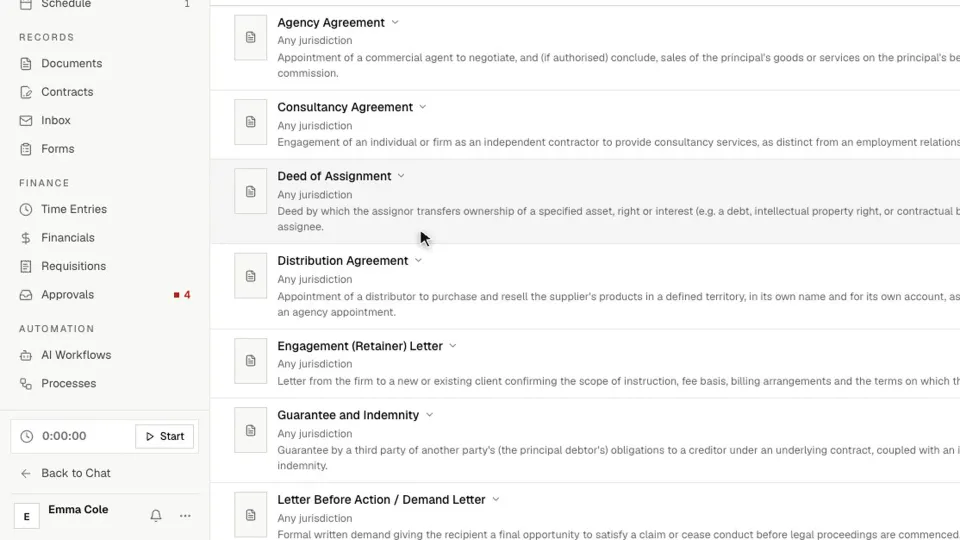
Document templates
Start from 71 built-in templates, or add your firm’s own house style.
In depth
A closer look.
Vendors
Details typed once, and only approved vendors paid.
The vendor list is where your firm keeps the people and companies it pays. Bills, purchase orders and requisitions all draw on it, so nobody retypes bank details.
- Import from a spreadsheet, or add one at a time with just a name
- Search by name, code, contact, services, category or location
- Keep each vendor’s documents on their record
- Email a purchase order straight to the vendor
Leave
Time off that does not leave a case uncovered.
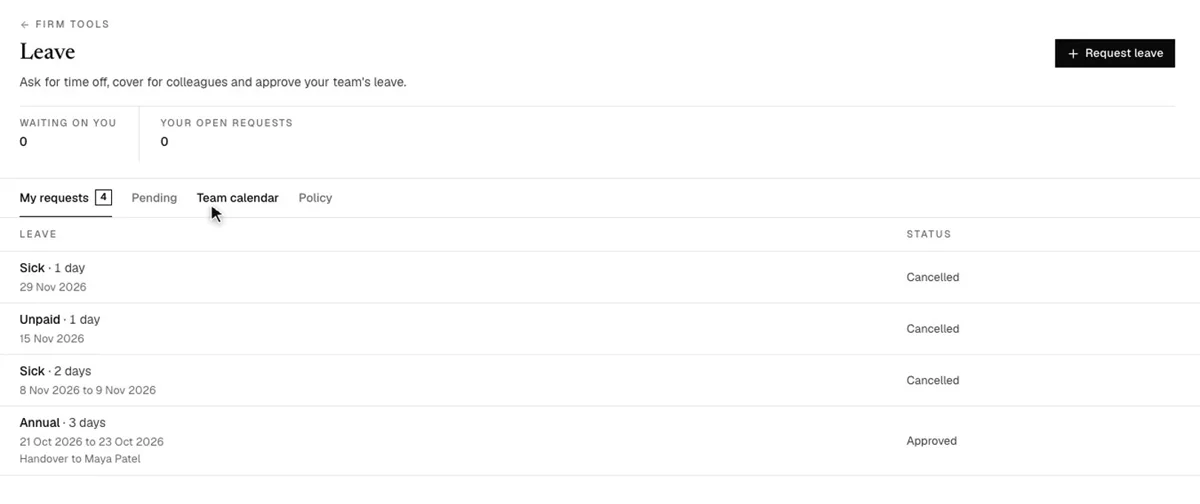
Staff ask for time off and cover for colleagues, and managers approve their team’s requests. For the leave types you choose, a handover colleague has to accept before the line manager decides.
- Team calendar shows who is away for any period
- Leave policy and allocations are set by the firm
Templates
Whole documents to start from.
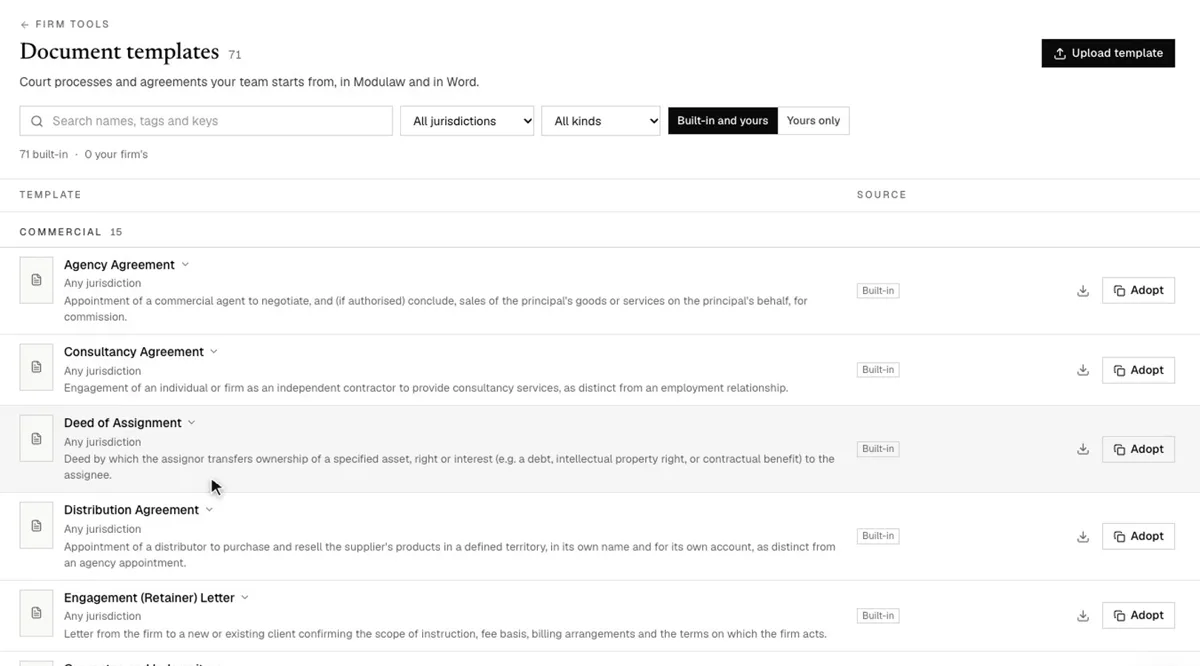
Court processes and agreements your team can start from in ModulawAI and in Word: affidavits, motions, pleadings, engagement letters, consultancy and agency agreements, and more. Filter by jurisdiction and kind, adopt a built-in template, or upload your own.
Firm knowledge
Your standard positions, ready to use.
Playbooks gather emails, agreements, documents, prompts and checklists in one place, and a document can be reviewed against them. The clause library holds pre-approved contract clauses by category, jurisdiction and position, so lawyers reach for agreed wording first.
FAQ
Questions, addressed.
Can we use our own document templates?
Yes. Use the built-in templates as they are, or upload your own alongside them.
Do vendors connect to requisitions?
Yes. Pick a vendor on a requisition and their details fill in for you, with a warning if their currency differs.
Can we import our existing vendors?
Yes. Import them from a spreadsheet. Columns that do not match a standard field can become custom fields.
Who approves new vendors?
The named approvers in your approval policy. Otherwise your workspace admins decide, and the first to act decides.
Can leave require a handover?
Yes. For the leave types you choose, the applicant names a colleague, who accepts before the line manager approves.
Who can see these tools?
You decide, with permissions set by role, department, job title or person.
At a glance
Six tools, one screen.
Everything the whole firm shares sits together, and each tool feeds the rest of the workspace.
| Tool | What it holds | Where it shows up |
|---|---|---|
| Vendors | Vendors, bills and payables | Requisitions and purchase orders |
| Leave | Requests, team calendar and approvals | The approvals inbox |
| Signatures | Your saved signature | Documents and approvals |
| Playbooks | Emails, agreements, documents, prompts and checklists | Document review |
| Clause library | Pre-approved clauses by category, jurisdiction and position | Drafting |
| Document templates | Affidavits, motions, pleadings and agreements | ModulawAI and Word |
Keep reading
Related reading.
See it on your firm’s back office.
Get started in minutes, or book a demo and we’ll walk through how your firm runs.