When you go on leave, your requisition payments and approvals can wait for you, or you can let your handover colleague take care of them. You decide, one permission at a time. Leave is in the Case Manager, under Firm tools, Leave.
How it works
- Nothing moves unless you tick it. You can allow payments, approvals, or both.
- Cover starts on your first day of leave, once the leave is approved, and stops by itself when the leave ends.
- You and your colleague both get a notice, by email and in the app, saying exactly what you allowed and for which dates.
- Every change is kept on your leave request, with who made it and when, and in your firm’s audit log.
Step 1: Request leave
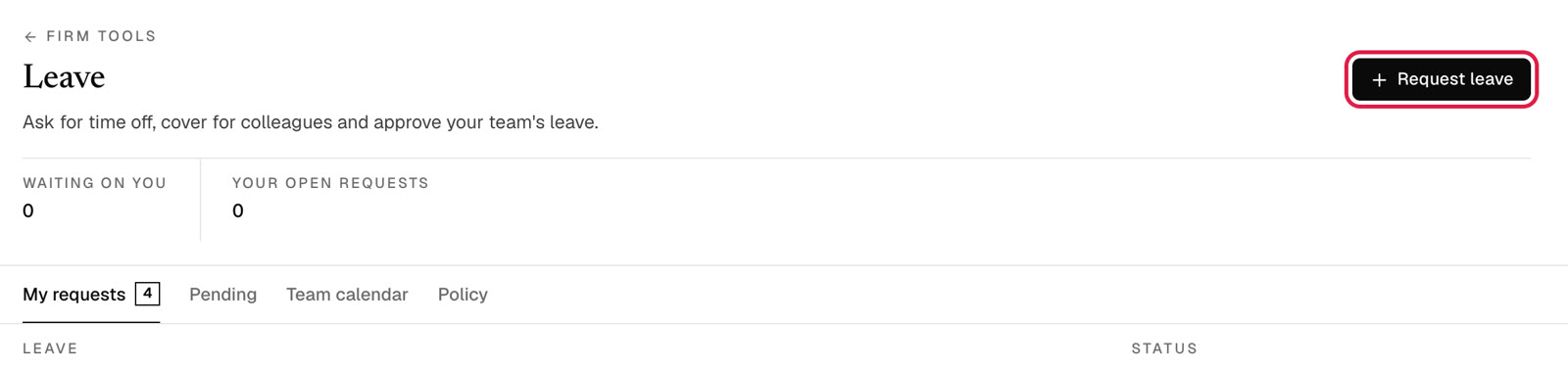
Go to Firm tools, then Leave, and click Request leave.
Step 2: Choose your colleague and what they may do
- Pick the leave type and your first and last day.
- Under Handover, search for your colleague and select them. Add handover notes if they help.
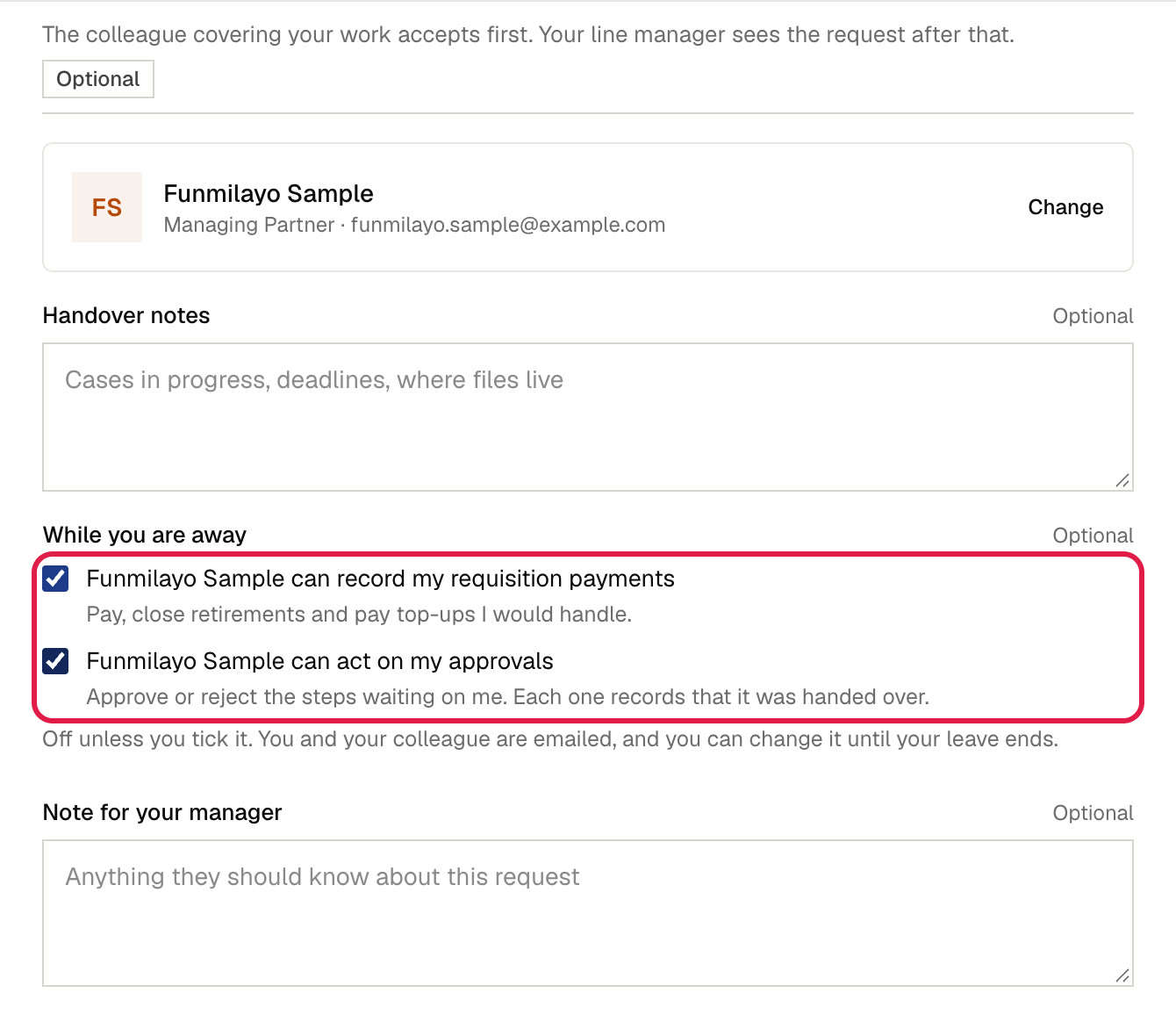
- Under While you are away, tick what your colleague may do for you:
- can record my requisition payments: pay requisitions, close retirements and pay top-ups that you would normally handle.
- can act on my approvals: approve or reject the steps waiting on you.
- Click Send to colleague.
Step 3: Your colleague accepts, then your manager approves
Your colleague accepts the handover first, then your line manager approves the leave. Cover only starts once the leave is approved and your first day arrives.
Change it later
Already applied, or changed your mind? Open My requests on the Leave page. Your request shows what your colleague covers, with a Change link.

Click Change, tick or untick, and click Save. You can do this any time until your leave ends, and each change is emailed to you and your colleague. Unticking takes effect at once.

What your colleague sees
| You allowed | What your colleague can do while you are away |
|---|---|
| Payments | Your requisitions appear for them to pay, in Approvals under Requisitions waiting on you and in Requisitions under To pay. They can also close your retirements and pay top-ups. |
| Approvals | Steps waiting on you appear in their Approvals page, marked Covering for [your name], on leave until [date]. When they act, the step is recorded as handed over by you, then signed by them. |
The usual rules still apply. Your colleague cannot pay or approve anything they raised themselves, and approval steps are still signed in order.
Common questions
My leave is not approved yet. Can my colleague cover me?
Not through leave cover, which only runs while approved leave is under way. A workspace admin can add your colleague under Settings, Approval Policy, Requisition workflow, Who disburses, and you can open each waiting approval and choose Delegate.
Can my colleague turn this on for themselves?
No. Only the person going on leave can allow or withdraw cover.
What is the difference from Delegate?
Delegate hands over one approval step, from inside that approval, for good. Leave cover hands over every step and payment that arrives during your leave, and returns them to you when the leave ends.
I did not get the email.
Leave handover notices follow your notification settings. If email is switched off for them, you still get the notice in the app, and the change is recorded on your leave request and in the audit log. See Notifications: choose how Modulaw reaches you.